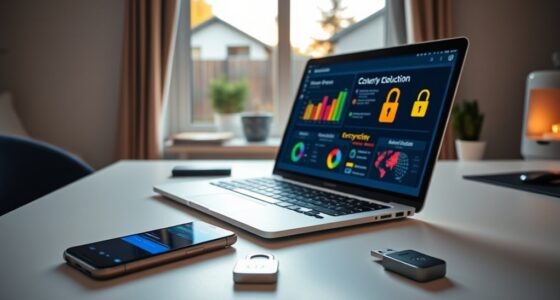

To protect your smartphone data, enable biometric authentication like fingerprint or facial recognition for quick, secure access. Manage app permissions regularly to control which data apps can access, denying unnecessary requests. Layering these security measures makes it harder for hackers to breach your device and access sensitive information. Keep your software updated and review settings often to stay ahead of new threats. If you want to learn more about strengthening your mobile security, stay with us.
Key Takeaways
- Enable biometric authentication like fingerprint or facial recognition for quick, secure device access.
- Regularly review and manage app permissions to control data sharing and minimize vulnerabilities.
- Keep your device’s software updated to patch security flaws and enhance protection.
- Use strong, unique passwords and enable two-factor authentication for critical accounts.
- Back up data regularly and stay informed about the latest security threats and best practices.
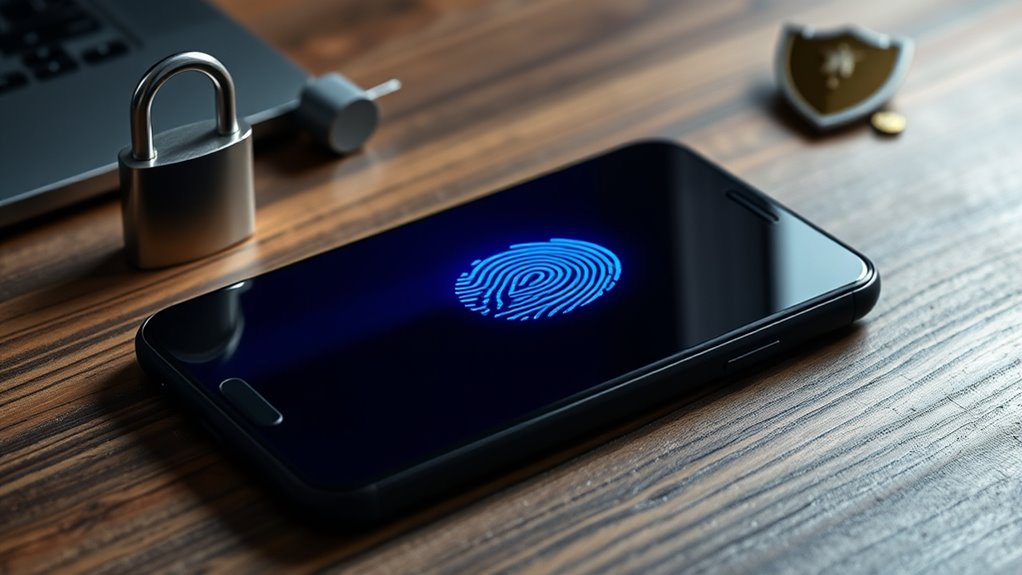
In today’s connected world, your mobile device is more than just a phone—it’s a gateway to your personal and professional life. With so much sensitive information stored on your device, safeguarding it is essential. One of the most effective ways to do this is by utilizing biometric authentication. By enabling fingerprint or facial recognition, you add a layer of security that’s both strong and convenient. Unlike traditional PINs or passwords, biometric data is unique to you, making it difficult for others to access your device without your consent. Plus, biometric authentication works seamlessly in everyday use, allowing you to unlock your phone quickly while keeping unauthorized users out. It’s a smart, user-friendly security feature that should be activated immediately if it isn’t already.
Enable biometric authentication for quick, secure access and enhanced protection of your personal data.
Alongside biometric authentication, managing app permissions is equally critical. Many apps request access to your camera, microphone, location, or contacts, often more than they actually need. Regularly reviewing and adjusting these app permissions helps control what information each app can access. For example, if a weather app requests access to your camera or contacts, consider whether that’s necessary. If not, deny those permissions. This minimizes the risk of apps collecting unnecessary data or sharing it with third parties without your knowledge. Most smartphones have straightforward permission management settings, allowing you to see which apps have access to what and modify these permissions at any time. Taking a few moments to review app permissions regularly can significantly reduce your vulnerability to data leaks or malicious misuse.
Additionally, combining biometric authentication with strict app permission management creates a layered defense against potential threats. For instance, enabling biometric authentication for unlocking your device means that even if someone tries to steal or find your phone, they’ll need your fingerprint or face to gain access. Meanwhile, managing app permissions ensures that even if a malicious app is installed, it won’t have access to your sensitive information unless you explicitly grant it. These measures work together to make your device less attractive to hackers and malicious actors. Being aware of narcissistic behavior and how emotional manipulation can impact your sense of security highlights the importance of maintaining control over your digital environment as well.
Ultimately, protecting your data isn’t a one-time task; it’s an ongoing process. Make it a habit to review your security settings regularly, keep your software updated, and stay informed about new security features. By combining biometric authentication and careful app permission management, you create a robust security environment that keeps your personal and professional information safe. Your smartphone holds a lot of your life—treat it with the security it deserves to prevent unauthorized access and safeguard your data from potential threats.
Frequently Asked Questions
How Can I Recover My Data After a Security Breach?
When facing a security breach, start with data recovery by using backups and recovery tools to restore your lost information. Implement security breach strategies like changing passwords, running malware scans, and enabling two-factor authentication. To prevent future issues, update your device’s software and review app permissions. Act quickly to minimize damage, and consider consulting a cybersecurity professional if your data loss is severe or complex.
Are Public Wi-Fi Networks Safe for Mobile Device Use?
Public Wi-Fi often feels convenient, but it’s risky without proper precautions. You shouldn’t assume network security on these open networks, as hackers can easily intercept your data. To protect your mobile device, avoid entering sensitive info or logging into secure accounts on public Wi-Fi. Use VPNs for added security, and consider cellular data for safer browsing. Remember, convenience shouldn’t compromise your device’s security.
What Are the Signs My Device Has Been Hacked?
You’ll notice suspicious activity or unusual behavior if your device starts acting strange, like apps crashing, battery draining quickly, or strange pop-ups. You might also see unfamiliar messages or contacts, or your device heats up unexpectedly. These signs indicate your device could be hacked. If you suspect this, run a security scan, update your software, and consider changing your passwords to protect your data.
How Often Should I Update My Mobile Device’s Security Software?
You should update your mobile device’s security software regularly to stay protected. Aim for software update frequency of at least once a month, aligning with your device’s security patch schedule. Prompt updates fix vulnerabilities, improve performance, and guard against threats. Don’t wait for notifications—check for updates manually if needed. Staying consistent with updates guarantees your device remains secure, resilient, and less vulnerable to hacking or malware.
Can I Remotely Wipe My Device if It’s Lost?
Yes, you can remotely wipe your device if it’s lost. Using device tracking features, you can locate your phone and initiate a remote wipe to protect your data. Most smartphones offer built-in options through services like Find My iPhone or Find My Device, allowing you to erase all personal information quickly. This helps prevent unauthorized access and keeps your sensitive data safe until you recover or replace your device.
Conclusion
Think of your smartphone as a treasure chest, holding your most valuable secrets. Protecting it is like guarding a precious jewel; a simple lock isn’t enough. By staying vigilant—updating software, using strong passwords, and avoiding risky apps—you keep your treasure safe from thieves. Remember, you’re the guardian of your digital world. With every careful step, you’re shining a light in the darkness, ensuring your data remains secure and treasured, just like a shining gem in your personal kingdom.