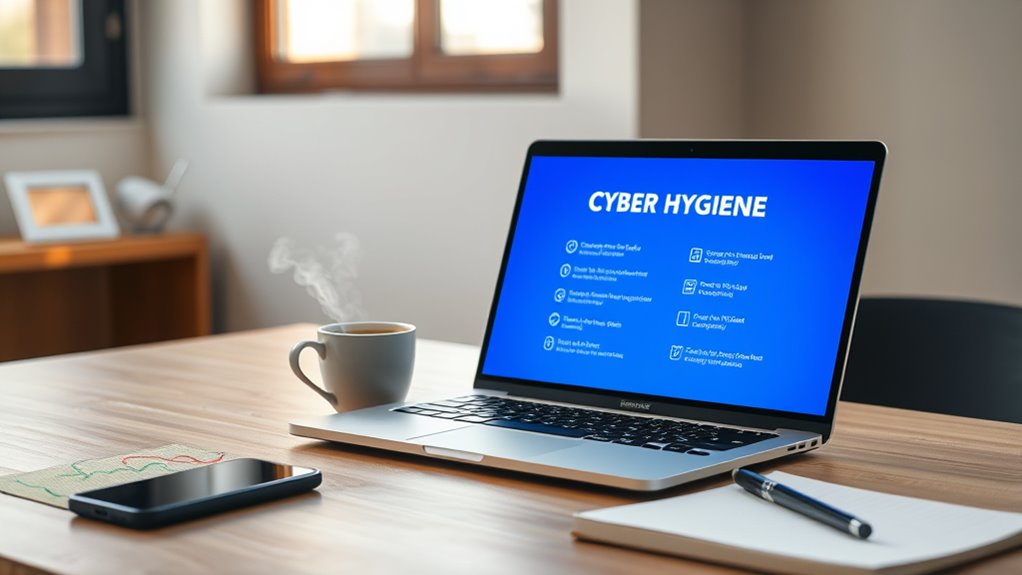

To stay safe online, follow a cyber hygiene checklist that includes creating strong, unique passwords with a password manager, staying alert to phishing scams by verifying sources, and keeping your devices updated with the latest security patches. Practice cautious browsing, avoid suspicious links, and enable two-factor authentication wherever possible. Regularly back up your data and secure your home network for added protection. Keep these habits in mind, and you’ll improve your online safety step by step as you explore more tips.

Get the latest gadgets delivered free — and shop member deals
- Fast, free delivery on millions of items
- Access to Prime Big Deal Days deals on October 6–7
- Prime Video, Amazon Music and more included
Key Takeaways
- Use strong, unique passwords for each account and store them securely with a password manager.
- Stay alert for phishing scams by verifying sender details and avoiding suspicious links or attachments.
- Keep all devices, software, and applications updated to ensure security patches are applied promptly.
- Practice safe browsing by visiting trusted sites, avoiding unverified downloads, and enabling two-factor authentication.
- Regularly back up important data and secure your home network with encryption and strong Wi-Fi passwords.
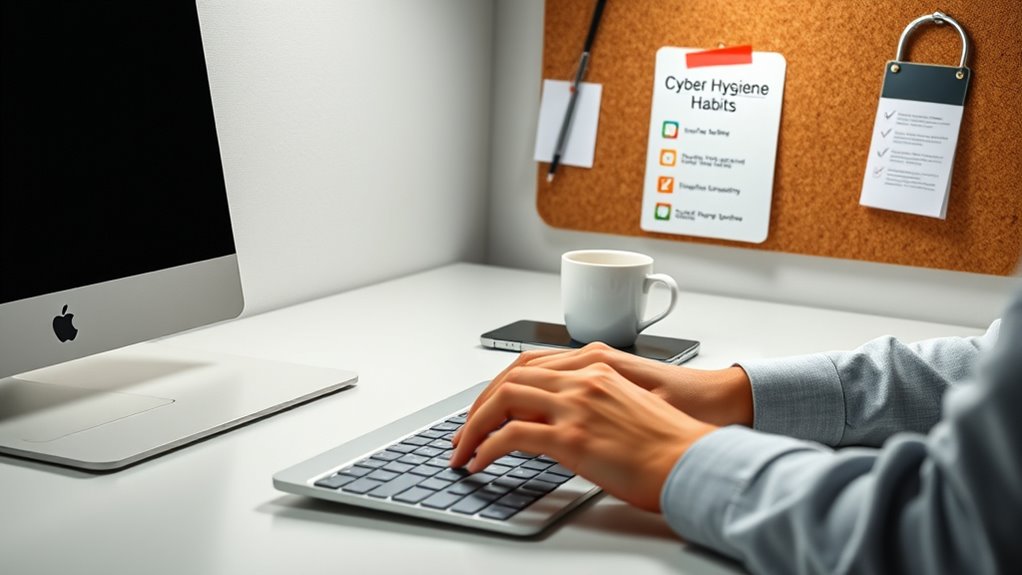
Have you ever wondered how secure your digital life really is? It’s easy to assume that a password like “password123” or using the same password across multiple accounts won’t cause issues, but that’s a risky mindset. Good password management is a cornerstone of cyber hygiene. You should aim to create strong, unique passwords for each of your online accounts. Avoid common or easily guessable passwords, and consider using a password manager to store and organize your login details securely. Password managers not only help you generate complex passwords but also eliminate the temptation to reuse passwords, which can be a major vulnerability.
Strong, unique passwords and a trusted password manager are essential for safeguarding your online accounts.
Beyond managing passwords effectively, you need to stay vigilant against phishing attempts. Phishing awareness is essential because cybercriminals often try to trick you into revealing sensitive information through fake emails, messages, or websites that look legitimate. Always scrutinize the sender’s email address, check for spelling errors or suspicious links, and avoid clicking on attachments or links from unknown sources. Remember, legitimate organizations typically don’t ask for sensitive information via email. If something seems off or too good to be true, verify the request through official channels before taking any action. Developing a habit of skepticism and verifying before clicking can save you from falling victim to scams.
Regularly updating your software and devices is another key aspect of cyber hygiene. Cybercriminals often exploit outdated systems with known vulnerabilities. Enable automatic updates whenever possible, so your operating system, browsers, and applications stay current with the latest security patches. This proactive approach helps protect your device from malware, ransomware, and other cyber threats. Additionally, using strong, unique passwords for your Wi-Fi network and enabling network encryption further secures your online environment. Never overlook the importance of securing your home network, as it’s often the first line of defense against cyber attacks. Incorporating sound science principles into your security practices, such as understanding how encryption works, can further enhance your protection.
Practicing safe browsing habits is also extremely important. Stick to trusted websites, especially when entering personal information or making transactions. Be cautious about what you download and avoid visiting suspicious or unverified sites. Using two-factor authentication (2FA) whenever available adds an additional layer of protection, making it much harder for cybercriminals to access your accounts even if they manage to obtain your password. Finally, back up your important data regularly to an external drive or cloud service. In case of a breach or hardware failure, having backups guarantees you don’t lose critical files.
password manager for secure login
As an affiliate, we earn on qualifying purchases.
As an affiliate, we earn on qualifying purchases.
Frequently Asked Questions
How Often Should I Update My Passwords?
You should update your passwords every three to six months to maintain security. Make certain each password has high complexity, combining letters, numbers, and symbols. Using a password manager helps you generate and store strong, unique passwords effortlessly. Regular updates reduce the risk of breaches and protect your personal information. Stay proactive by reviewing and changing your passwords periodically, especially after any security alerts or data breaches.
What Are the Best Tools for Monitoring Online Activity?
You should use tools like VPN protection and browser extensions to monitor your online activity effectively. VPNs help track and secure your internet usage, while browser extensions can alert you to suspicious sites or data leaks. These tools give you real-time insights, helping you stay aware of your digital footprint and prevent unauthorized access. Regularly reviewing your online activity with these tools keeps your online life safer and more private.
How Can I Recognize Phishing Attempts Effectively?
You can recognize phishing attempts by carefully examining emails for signs of scams, like suspicious links or unusual sender addresses. Be wary of urgent or alarming messages that pressure you to act quickly. Always hover over links to see their true destination before clicking, and avoid sharing sensitive information via email. Staying alert to email scams helps you avoid falling victim to malicious schemes and keeps your online life safer.
Is Two-Factor Authentication Necessary for All Accounts?
You might wonder if two-factor authentication (2FA) is necessary for all accounts. The truth is, it’s highly recommended, especially for sensitive accounts, as it adds an extra layer of security beyond password management. Even if you forget your password, 2FA helps with account recovery and protects against unauthorized access. Using 2FA makes your online life safer, reducing risks and giving you peace of mind.
How Do I Securely Delete Old Digital Data?
To securely delete old digital data, start by deleting files from your device and emptying the recycle bin. Use data encryption tools to protect sensitive information before deletion, ensuring it’s unreadable if recovered. Clear your digital footprint by removing accounts and personal info from websites. For extra security, consider using specialized software that overwrites data multiple times, making recovery impossible and maintaining your online safety.
two-factor authentication device
As an affiliate, we earn on qualifying purchases.
As an affiliate, we earn on qualifying purchases.
Conclusion
By keeping up with these simple cyber hygiene habits, you’re gently steering your digital life away from rough waters. Think of it as tending a beautiful garden—you nurture your online space, making it a safe and welcoming place for your stories and memories. A little care now prevents big storms later, so stay mindful, stay secure, and enjoy the peace of mind that comes with a well-kept digital home. Your smarter, safer online life is just a habit away.
As an affiliate, we earn on qualifying purchases.
As an affiliate, we earn on qualifying purchases.
Fall Picks
fall essentials
As an affiliate, we earn on qualifying purchases.