
TL;DR
This source is a buyer’s guide to eight drawing tablets, including screen displays, screenless tablets and standalone Android devices. It identifies the HUION Kamvas 13 (Gen 3) as its overall pick, but provides no publication date or independent testing details, so its product claims and 2027 relevance are not established.
A buyer’s guide to eight drawing tablets, the original analysis, recommends the HUION Kamvas 13 (Gen 3) as its overall screen-tablet pick, while pointing readers to screenless and standalone options for different budgets and workflows. The comparisons focus on display size, shortcut controls, portability and whether a computer is required—factors that shape what artists can use the devices for.

Get the latest gadgets delivered free with Prime
- Fast, free delivery on millions of items
- Prime Video, Amazon Music and more included
- Member-only deals all year
The guide divides the products into three broad types: pen displays, which show the artwork beneath the stylus; screenless pen tablets, which connect to a separate computer display; and standalone tablets, which can run supported drawing tasks without a computer. It calls the Kamvas 13 (Gen 3) the best overall pen display, citing its 13.3-inch screen, dual dials and 16,384 pressure levels. The guide also says the model requires a compatible computer or Android device.
For a larger screenless work area, it recommends the HUION Inspiroy H1060P, listing a 10-by-6.25-inch active area and tilt support, alongside other drawing tablet picks. The smaller HUION Inspiroy H640P has a 6-by-4-inch area and is described as a portable option for students, note-takers and beginners. The Wacom Intuos Small is another compact, computer-connected choice; its battery-free pen avoids recharging, while its wired USB-A connection limits placement.
The guide includes two listings for the XP-Pen Artist 13.3 Pro V2, assigning them different use cases: tilt shading and color-focused work. It advises comparing the exact specifications and included accessories because the listings appear closely related. The Frunsi RubensTab T11 Pro and PicassoTab A10 are presented as standalone options. The source lists a 10.1-inch Full HD display and up to five hours of use for the Frunsi, but does not provide equivalent specifications for every model in the eight-product lineup.
Choosing a drawing tablet for your workflow
A guide compares eight tablets across screen displays, screenless models and standalone devices. Its recommendations and 2027 relevance are not independently established.
Three ways to draw
The right setup depends on where you want to see your artwork and whether you need a computer.
Draw on screen
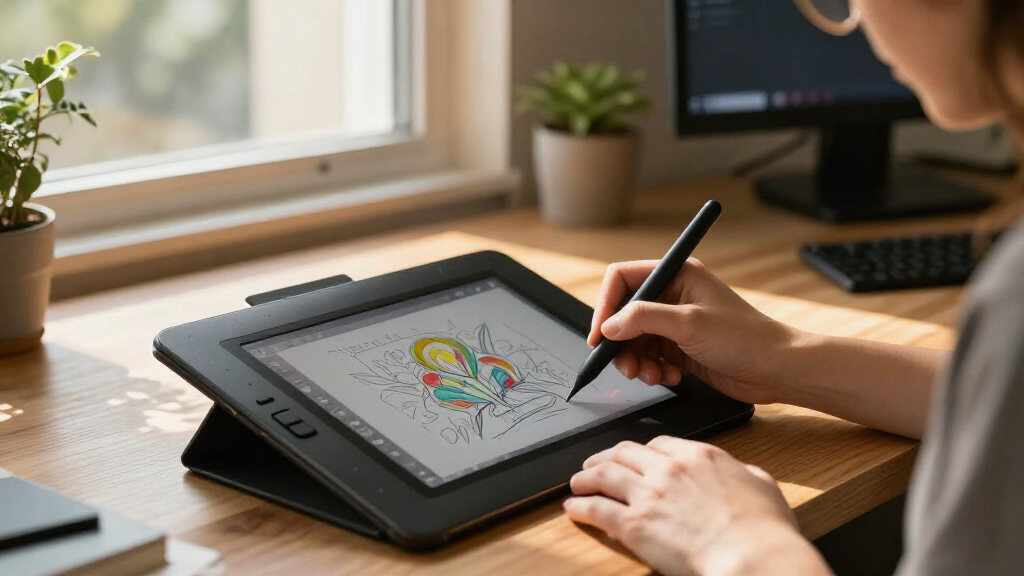
The Kamvas 13 and XP-Pen Artist models show the artwork beneath the stylus and require a compatible device.
Use a separate display
H640P, H1060P and Wacom Intuos Small connect to a computer and map pen movement to its screen.
Work without a computer
Frunsi RubensTab T11 Pro and PicassoTab A10 are presented as independent options; app support may differ from desktop software.
Match the tablet to the work
Screen size and pen features are only part of the day-to-day experience.
Decide whether you want to draw on the tablet, use a computer monitor, or work on a standalone device.
Compare active area, shortcut controls, portability and software compatibility.
Verify the exact model, connection needs and included accessories before buying.
What the guide highlights
Its picks suit different needs, but the source does not provide a common price comparison or standardized test.
| Model | Guide’s stated use | Detail listed |
|---|---|---|
| HUION Kamvas 13 (Gen 3) | Overall pen display pick | 13.3-inch screen, dual dials |
| HUION Inspiroy H1060P | Larger screenless area | 10-by-6.25-inch active area |
| HUION Inspiroy H640P | Portable option | 6-by-4-inch area |
| Frunsi RubensTab T11 Pro | Standalone option | 10.1-inch Full HD display; up to five hours |
Claims to verify
The guide is AI-assisted and does not describe hands-on testing or its ranking method.
- The two XP-Pen entries have differing color-coverage figures.
- The guide does not explain whether those figures reflect different configurations or methods.
- Confirm current specifications, price and availability.
- Check device and app compatibility, cables and other included accessories.
Choosing a Tablet for Your Workflow
The central buying decision is whether the artist needs to draw directly on a screen, wants a lower-cost surface paired with a computer monitor, or needs a device that works independently. A display tablet can make hand-eye coordination more direct, while a screenless model may provide a larger drawing area at a given size. A standalone device can suit work away from a computer, but the source cautions that Android software may not match high-end desktop illustration programs.
These distinctions matter because specifications such as pressure sensitivity do not describe the whole experience. Active area, shortcut controls, portability, software compatibility and connection requirements can affect daily use just as much. The guide offers a framework for comparing those needs, but does not show a standardized test or a common price comparison across all eight products.
Products Worth Considering

Logitech MX Master 4 for Mac

Apple Watch SE 3 GPS 40mm Smartwatch

Apple Watch Series 12 GPS 42mm Smartwatch
As an affiliate, we earn on qualifying purchases.
Three Tablet Types Compared
The product list reflects three different setups. Pen displays, including the HUION Kamvas and XP-Pen Artist models, connect to a computer or compatible device while showing the drawing on their own screens. Screenless devices such as the H640P, H1060P and Intuos Small instead map pen movement to a separate screen. Standalone models such as the Frunsi and PicassoTab are intended to run supported apps on the tablet itself.
The source also notes a potential comparison problem: it presents two XP-Pen Artist 13.3 Pro V2 entries with differing color-coverage figures. One section lists 125% sRGB, 107% Adobe RGB and 95% Display P3; another lists 123% sRGB and 88% NTSC. Since the guide does not explain whether these figures describe different configurations or measurement methods, they should be checked against the exact product listing.
“The main tradeoff is between drawing directly on a display, using a more affordable pen tablet with a separate computer screen, or paying for a self-contained tablet.”
— Thorsten Meyer AI buyer’s guide
Specifications Need Checking
The source identifies itself as AI-assisted and includes affiliate language, but does not describe hands-on testing, explain its ranking method or provide a publication date. Its recommendations and product specifications should therefore be treated as claims in the guide, rather than independently verified test results. The page also appears incomplete: the PicassoTab entry is cut off, and not all eight products receive a full specification list.
The two XP-Pen entries have inconsistent color-coverage figures, with no explanation of the discrepancy. Current pricing, availability, included accessories, software compatibility by app and device, and whether the listed specifications still apply in 2027 are also not established by the source.
Check Listings Before Buying
Readers considering a purchase should compare the exact model and package on the manufacturer’s or retailer’s current listing, especially for the two XP-Pen entries. They should confirm device compatibility, connection requirements, included cables and stands, and the active area or display dimensions. For standalone models, checking whether the preferred drawing app runs on the device is a practical next step.
The source does not announce a follow-up review or provide a date for updated testing. Any later assessment would need to verify current specifications, software support, pricing and availability before the guide’s recommendations could be treated as current for 2027.
Key Questions
Which tablet does the guide recommend overall?
It names the HUION Kamvas 13 (Gen 3) as its overall pick for a computer-connected pen display, citing its 13.3-inch screen and dual dials. The source does not provide details of independent testing behind that ranking.
Which listed tablets work without a computer?
The guide presents the Frunsi RubensTab T11 Pro and PicassoTab A10 as standalone drawing tablets. Supported apps and workflows may differ from those available on a computer.
What is the difference between a pen display and a screenless tablet?
A pen display shows the drawing on the device as the artist draws. A screenless tablet sends pen input to a connected computer, where the artist views the work on a separate monitor.
Are the two XP-Pen Artist 13.3 Pro V2 listings different models?
The source describes them as closely related listings but does not establish whether they are different configurations. It gives differing color-coverage figures, so buyers should verify the exact model and included accessories before comparing them.
Source: Thorsten Meyer AI