

Code linters help guarantee your team writes in a uniform style by automatically checking for standard formatting and common errors. They enforce consistent rules for indentation, naming, and spacing, making your code easier to understand. This reduces debates over style choices and promotes fair, objective reviews. As a result, your team works more efficiently, and your codebase stays clean and maintainable. Keep exploring to discover how linters can further boost your team’s collaboration.

Get the latest gadgets delivered free with Prime
- Fast, free delivery on millions of items
- Prime Video, Amazon Music and more included
- Member-only deals all year
Key Takeaways
- Enforce uniform coding standards, ensuring all team members follow the same style guidelines.
- Automate style and error checks to reduce subjective judgments during code reviews.
- Promote consistent code formatting, making the codebase more predictable and easier to understand.
- Facilitate onboarding by providing clear, predefined coding rules for new team members.
- Support long-term maintainability through standardized code practices across the team.
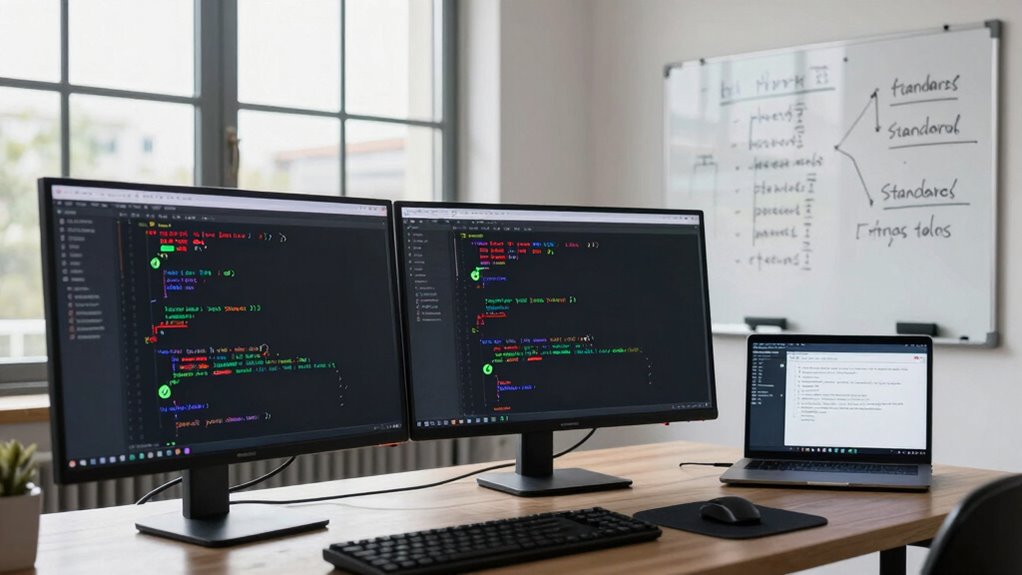
Have you ever struggled with maintaining consistent code quality across your team? If so, you’re not alone. As projects grow, guaranteeing everyone follows the same coding standards becomes increasingly challenging. That’s where code linters come into play. These tools automatically analyze your code, providing immediate feedback on style and potential errors. By integrating linters into your development workflow, you create a form of automated code review that enforces style rules before code even reaches your repository. This proactive approach minimizes the need for manual code reviews focused solely on style, freeing up time for more critical issues.
Automate style checks and catch errors early with code linters to improve consistency and streamline your development process.
Code linters serve as the backbone of style enforcement within teams. They’re configured with a set of rules that reflect your preferred coding standards, whether it’s indentation, naming conventions, or spacing. When a developer submits code, the linter scans it and highlights any deviations from these standards. This consistent enforcement ensures that regardless of who writes the code, it looks and behaves predictably. As a result, team members spend less time debating formatting choices and more time collaborating on functionality and logic. The uniformity brought about by style enforcement reduces cognitive load and makes the codebase easier to read and understand, especially for new team members. Additionally, automatic error detection helps catch issues early, further improving overall code quality. Incorporating requirements traceability into your processes can also help ensure that code changes align with project specifications and compliance standards. Moreover, standardized coding practices supported by linters promote a shared understanding of quality benchmarks across teams.
Furthermore, many linters also catch common coding mistakes and potential bugs during the automated code review process. This immediate feedback helps developers address issues early, reducing the likelihood of bugs slipping into production. When everyone adheres to the same standards, it becomes easier to spot anomalies and inconsistencies, which improves overall code quality. Additionally, the automation removes subjective judgments from code reviews, making the process fairer and more objective. Developers appreciate that they’re judged by clear, predefined rules rather than individual preferences, fostering a collaborative environment where quality is a shared responsibility. Incorporating automated tools like linters also aligns with best practices for maintaining a healthy and manageable codebase. Consistent standards play a crucial role in ensuring long-term maintainability and reducing technical debt.
In the end, using code linters to enforce consistency isn’t just about aesthetics; it’s a strategic move to improve code quality, team cohesion, and efficiency. Automated code review streamlines the review process, catching errors and enforcing standards in real-time. Style enforcement ensures that your codebase remains clean, uniform, and easier to maintain, regardless of how many people contribute. When everyone follows the same set of rules, the entire team benefits from clearer communication, faster onboarding, and fewer misunderstandings. In short, code linters are an essential tool for any team aiming for a cohesive, high-quality codebase.
As an affiliate, we earn on qualifying purchases.
Frequently Asked Questions
Can Code Linters Replace Code Reviews Entirely?
Code linters can’t replace code reviews entirely, but they greatly enhance automated code quality and developer productivity. Linters catch common issues instantly, allowing you to focus your reviews on more complex logic and design concerns. While they streamline the process, human oversight remains essential for nuanced understanding and team cohesion. Combining linters with traditional code reviews creates a balanced approach that ensures both consistency and high-quality code.
How Do Linters Handle Language-Specific Coding Standards?
You might wonder how linters handle language-specific standards. They excel at syntax enforcement, catching errors that break language rules, and ensuring style consistency across your team. By configuring rules tailored to your language, linters automatically flag deviations from coding conventions. This not only preserves code quality but also maintains a uniform style, making collaboration smoother. With linters, enforcing language standards becomes seamless, reducing conflicts and elevating overall code professionalism.
Are There Any Drawbacks to Using Code Linters?
Yes, there are drawbacks to using code linters. You might encounter false positives, where the linter flags correct code unnecessarily, causing frustration. Over reliance risks developing complacency, making you less attentive to underlying issues. Additionally, some linters can slow down your workflow or produce overly strict rules that aren’t suitable for all projects. Balancing their use is key to maximizing benefits while minimizing these potential drawbacks.
How Do Linters Integrate With Existing Development Workflows?
You integrate linters into your development workflow using plugins or command-line tools that run automatically during coding or before commits. They perform automated formatting to keep code style consistent and error detection to catch issues early. You can set up continuous integration pipelines to run linters on pull requests, ensuring every team member adheres to the same standards. This seamless integration saves time and maintains high code quality throughout your projects.
Can Linters Be Customized for Unique Project Requirements?
Yes, you can customize linters for your project’s unique needs. Nearly 60% of teams tailor rules to match their coding standards, making your code more consistent. However, customization can pose challenges, especially with complex project-specific rules that require deep understanding. You’ll need to balance flexibility with maintainability, ensuring your linters enforce your standards without becoming overly complicated or difficult to update as your project evolves.
As an affiliate, we earn on qualifying purchases.
Conclusion
By incorporating code linters, you guarantee your team maintains consistent code quality, making collaboration smoother and reducing errors. Some might think linters slow down development, but in reality, they catch issues early, saving time in the long run. Embrace these tools to foster cleaner, more reliable code—your team will thank you for it, and your projects will run more smoothly. Consistency isn’t a hassle; it’s the key to better teamwork and better code.
As an affiliate, we earn on qualifying purchases.
As an affiliate, we earn on qualifying purchases.
Fall Picks
fall essentials
As an affiliate, we earn on qualifying purchases.