

You might have started coding with simple text editors like Emacs, but today’s IDEs offer much more. Over time, these tools have evolved from basic features to complex platforms that customize workflows and integrate AI assistance. This progression reflects a continuous effort to boost your productivity and make coding smoother. As IDEs keep advancing, understanding their journey can reveal how they shape your experience and what’s next in developer tools.

Get the latest gadgets delivered free — and shop member deals
- Fast, free delivery on millions of items
- Access to Prime Big Deal Days deals on October 6–7
- Prime Video, Amazon Music and more included
Key Takeaways
- IDEs evolved from simple text editors like Emacs to feature-rich, customizable platforms supporting plugins and specialized tools.
- Plugin integration enhanced IDE flexibility, enabling functionalities like code analysis, debugging, and version control within a unified environment.
- User interface design shifted toward cleaner, more intuitive layouts with themes, adaptive layouts, and inline error highlighting for better usability.
- Modern IDEs incorporate AI-powered code completion, real-time error detection, and intelligent suggestions to streamline development workflows.
- The transition from basic editors to comprehensive ecosystems has improved programming efficiency, accessibility, and user experience.
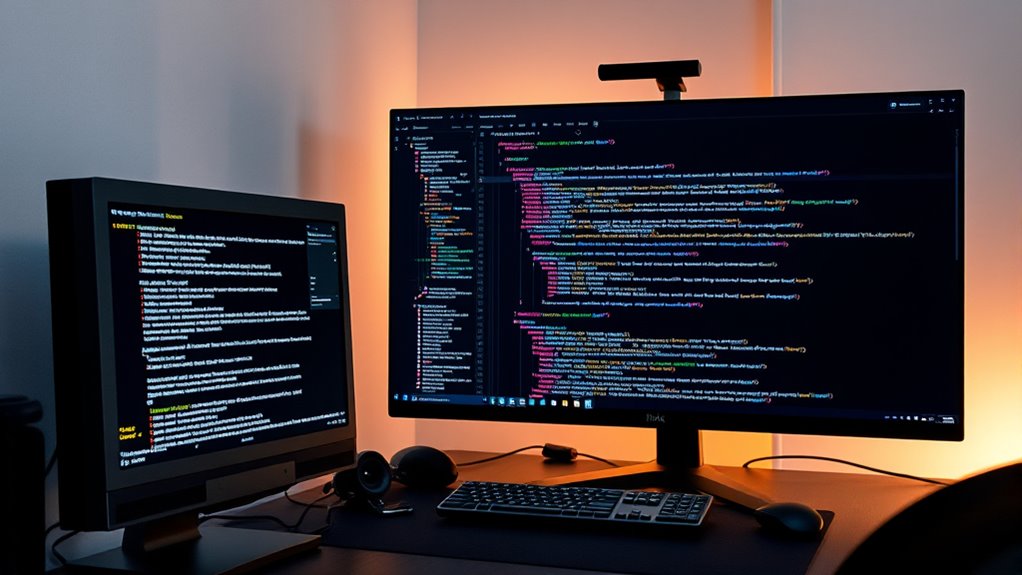
Have you ever wondered how integrated development environments (IDEs) have transformed over the years? It’s fascinating to see how they’ve evolved from simple text editors into sophisticated platforms that boost your productivity and streamline your coding process. One of the key drivers behind this transformation is plugin integration. Early IDEs offered limited features, but as developers recognized the need for customization, they began building platforms that support a wide array of plugins. These plugins allow you to add functionalities like version control, debugging tools, code analysis, and language support, all tailored to your specific workflow. This modular approach means you no longer need to switch between different tools; instead, you can enhance your IDE with plugins that fit your project’s needs, making your development environment more flexible and powerful.
Alongside plugin integration, user interface design has played a vital role in shaping modern IDEs. Initially, many IDEs sported basic, monolithic interfaces that could feel cluttered and unintuitive. Over time, designers prioritized user experience, creating cleaner, more organized layouts that make navigation intuitive. Today’s IDEs focus heavily on visual clarity, offering customizable themes, adaptive layouts, and context-aware menus that help you find what you need quickly. These improvements reduce cognitive load, allowing you to concentrate more on coding rather than hunting for tools or deciphering complex menus. Features like collapsible panels, integrated terminals, and inline error highlighting have made it easier to work efficiently within a cohesive environment.
Furthermore, the evolution of user interface design in IDEs now embraces modern trends like dark modes and responsive layouts, helping you work comfortably for longer periods. These design choices aren’t just aesthetic—they profoundly impact your productivity by reducing eye strain and providing a more pleasant coding experience. As IDEs incorporate more intelligent UI elements, they adapt dynamically to your workflow, offering suggestions and shortcuts that streamline common tasks. This continual refinement ensures that your development environment isn’t just functional but also engaging and effortless to navigate.
In addition, the incorporation of AI-powered features has further advanced IDE capabilities, enabling smarter code completion and real-time error detection, which significantly accelerates development cycles. In essence, the combination of robust plugin integration and thoughtful user interface design has transformed IDEs from basic code editors into comprehensive development ecosystems. You now have tools that are customizable, visually appealing, and intuitively organized, all working seamlessly to support your coding journey. From the early days of simple text editing to today’s AI-powered autocomplete features, these advancements have made programming more efficient, enjoyable, and accessible for everyone.
AI-powered code completion tools
As an affiliate, we earn on qualifying purchases.
As an affiliate, we earn on qualifying purchases.
Conclusion
Just like a seasoned navigator relies on their map to explore new terrains, modern IDEs guide you seamlessly through coding’s complexities. From Emacs’s simple text edits to AI-powered autocompletes, each evolution sharpens your skills and streamlines your journey. Imagine typing with a co-pilot that anticipates your next move—today’s tools turn coding into an exciting adventure. Embrace these innovations, and you’ll find yourself reaching destinations faster and with greater confidence.
integrated development environment (IDE) plugins
As an affiliate, we earn on qualifying purchases.
As an affiliate, we earn on qualifying purchases.
developer IDE themes and customization
As an affiliate, we earn on qualifying purchases.
As an affiliate, we earn on qualifying purchases.
real-time code error detection software
As an affiliate, we earn on qualifying purchases.
As an affiliate, we earn on qualifying purchases.
Fall Picks
fall essentials
As an affiliate, we earn on qualifying purchases.