
Multi-factor authentication (MFA) is a cybersecurity must because it adds extra layers of security to your accounts, making it harder for hackers to gain access. By requiring two or more different verification factors—like your password, a biometric scan, or a hardware token—you markedly reduce the risk of unauthorized entry. Incorporating biometric verification and hardware tokens offers fast, convenient protection that evolves with threats. Keep going to discover how these components work together for stronger online security.
Key Takeaways
- MFA adds extra security layers, making it harder for hackers to access sensitive data.
- Combining biometric verification and hardware tokens significantly reduces unauthorized access risks.
- Biometric methods provide quick, convenient, and hard-to-forge authentication.
- Hardware tokens generate one-time passcodes, offering a secure alternative to SMS codes.
- Regularly updating MFA protocols is essential to counter evolving cybersecurity threats.
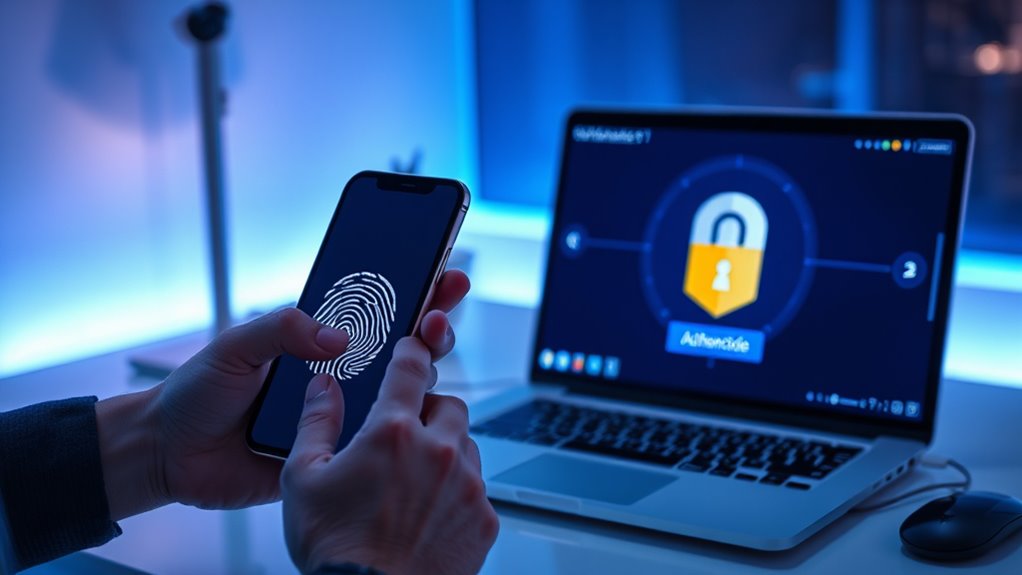
Have you ever wondered how to better protect your online accounts? With cyber threats becoming more sophisticated, relying solely on passwords isn’t enough anymore. That’s where multi-factor authentication (MFA) steps in, adding extra layers of security to keep your data safe. MFA requires you to verify your identity using two or more different factors, making it substantially harder for hackers to gain access. Typically, these factors include something you know (like a password), something you have (like a hardware token), or something you are (like biometric verification). By combining these, you create a robust barrier that’s difficult for cybercriminals to breach.
Enhance your online security by using multi-factor authentication with biometric verification and hardware tokens.
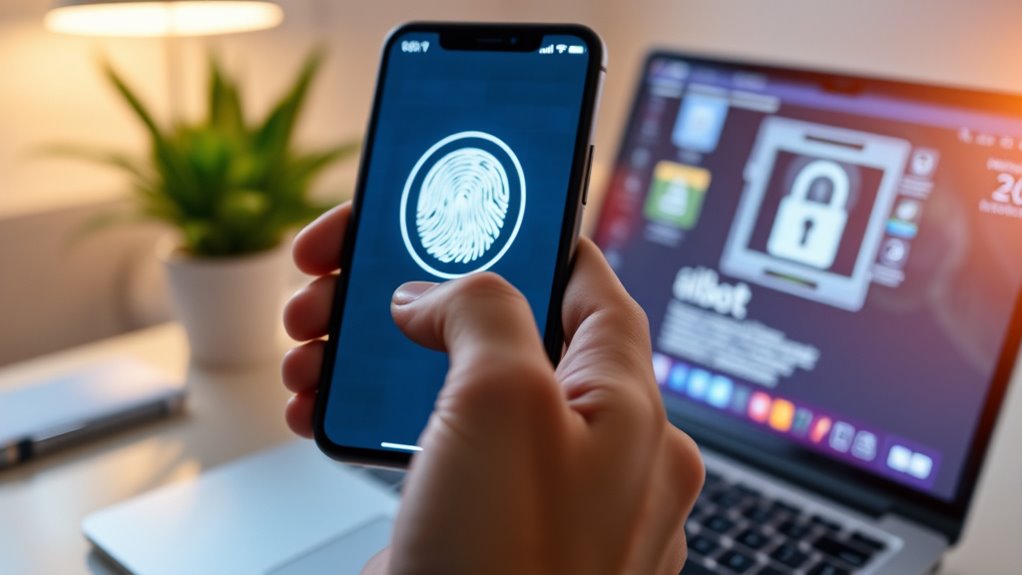
One of the most effective methods in MFA is biometric verification. This involves using your unique physical traits, such as fingerprints, facial recognition, or iris scans, to confirm your identity. Biometric verification is gaining popularity because it’s quick, convenient, and hard to forge. Imagine unlocking your phone or logging into your bank account with a simple glance or fingerprint scan—this not only speeds up the process but also enhances security. Unlike traditional passwords, biometric data is difficult for hackers to steal or duplicate, making it an excellent second factor in your authentication process. Many organizations now integrate biometric verification into their MFA systems, recognizing its strength in preventing unauthorized access.
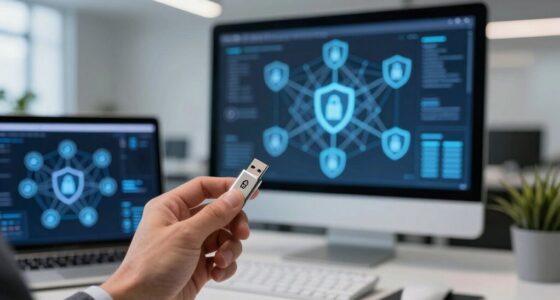
Hardware tokens are another vital component of MFA. These small physical devices generate one-time passcodes (OTPs) that you input during login. Unlike SMS-based codes, which can sometimes be intercepted, hardware tokens provide a more secure way to verify your identity. They’re often shaped like key fobs and can be carried easily on your keychain. When you attempt to access your account, the hardware token produces a unique code that you must enter, ensuring that even if someone knows your password, they still can’t get in without the physical device. This extra step acts as a powerful safeguard, especially for high-security environments like corporate networks or financial services.
Incorporating biometric verification and hardware tokens into your security routine considerably reduces the risk of unauthorized access. It’s a practical way to elevate your cybersecurity defenses without sacrificing convenience. As cyber threats evolve, so should your protective measures. Multi-factor authentication isn’t just a good idea; it’s a necessary step to guarantee your online safety. Whether you’re protecting personal accounts, work data, or sensitive information, using MFA with biometric verification and hardware tokens makes it much harder for hackers to succeed. It’s a simple, effective way to stay one step ahead and keep your digital life secure. Moreover, ongoing research emphasizes that AI vulnerabilities can sometimes be exploited to bypass security measures, highlighting the importance of continuously updating authentication protocols.

Fingerprint Reader Biometric Authentication – DigitalPersona URU4500 USB – Fingerprint Scanner – Original HID Brand
New replacement old Red Logo Digital persona URU4500, HID , USB reader. Original HID Brand
As an affiliate, we earn on qualifying purchases.
As an affiliate, we earn on qualifying purchases.
Frequently Asked Questions
How Does MFA Differ From Two-Factor Authentication?
MFA differs from two-factor authentication because it requires at least three verification methods instead of two. While two-factor authentication uses two methods like a password and a biometric verification, MFA can include additional layers, such as single sign-on and security questions. This extra layer enhances security, making it harder for attackers to compromise your account. MFA’s flexibility offers a more thorough defense against cyber threats.
What Are Common MFA Methods Used Today?
Did you know that over 80% of data breaches involve compromised credentials? Today, common MFA methods include biometric options like fingerprint or facial recognition, which add convenience and security. Hardware tokens, such as security keys, are also popular for their robustness against phishing. These methods make it harder for attackers to access your accounts, ensuring your data stays protected even if passwords are stolen.
Can MFA Be Bypassed by Hackers?
MFA can be bypassed by hackers through various MFA vulnerabilities and hacking techniques. They exploit weaknesses like SIM swapping, phishing, or session hijacking to circumvent authentication. While MFA considerably improves security, no method is completely foolproof. You should stay vigilant, keep your devices updated, and watch for suspicious activity to reduce the risk of falling victim to these hacking techniques.
Is MFA Necessary for Personal Accounts or Only Businesses?
You should definitely use MFA for your personal accounts, not just businesses. It greatly boosts your personal account security and helps protect your privacy concerns by adding an extra layer of verification. Even if it feels like an inconvenience, MFA makes it harder for hackers to access your accounts, reducing the risk of identity theft and data breaches. Prioritizing MFA helps guarantee your online activities stay private and secure.
How User-Friendly Is MFA Implementation for New Users?
Implementing MFA is surprisingly straightforward, even for new users, and it’s not an insurmountable hurdle. During user onboarding, most systems prioritize accessibility, offering clear instructions and multiple verification options. While some may face minor accessibility challenges, these are quickly resolved with user-friendly guides. Overall, MFA’s enhanced security far outweighs initial setup concerns, making it an essential, manageable step for anyone wanting to protect their accounts effectively.
hardware security token
As an affiliate, we earn on qualifying purchases.
As an affiliate, we earn on qualifying purchases.
Conclusion
Implementing multi-factor authentication substantially boosts your security, making it harder for hackers to access your accounts. Did you know that accounts protected with MFA are 99.9% less likely to be compromised? By adding an extra layer of verification, you’re not just protecting your data—you’re staying one step ahead of cyber threats. Don’t wait until it’s too late; adopting MFA is a simple yet powerful way to safeguard your digital life today.

Yubico – YubiKey 5C NFC – Multi-Factor authentication (MFA) Security Key and passkey, Connect via USB-C or NFC, FIDO Certified – Protect Your Online Accounts
POWERFUL SECURITY KEY: The YubiKey 5 NFC is the most versatile physical passkey, protecting your digital life from…
As an affiliate, we earn on qualifying purchases.
As an affiliate, we earn on qualifying purchases.
OTP hardware token
As an affiliate, we earn on qualifying purchases.
As an affiliate, we earn on qualifying purchases.