
TL;DR

Get the latest gadgets delivered free with Prime
- Fast, free delivery on millions of items
- Prime Video, Amazon Music and more included
- Member-only deals all year
This article explains how you can turn a single video into a complete set of publishing assets—like clips, transcripts, thumbnails, and social posts—entirely offline. It’s ideal for creators who want control, privacy, and efficiency without cloud dependence.
Imagine finishing a video and having a full marketing and publishing kit ready in minutes. No waiting for cloud servers, no dependency on third-party platforms. Just you, your machine, and a smart workflow that turns one upload into everything you need to launch your content. That’s the promise of a local-first, AI-enhanced video-to-publishing system—saving hours, safeguarding your privacy, and giving you total control.
Key Takeaways
- A local-first workflow analyzes your video in four layers, providing a richer understanding than simple transcripts.
- You can generate an entire publishing kit—clips, titles, descriptions, thumbnails, and social posts—from just one video, offline.
- Transparency in asset provenance helps you trust, edit, and refine your content with confidence.
- Review and editing interfaces are designed for speed, allowing quick tweaks without waiting for the whole pipeline.
- Choosing local processing means greater privacy, lower dependency, and control over your content assets.
As an affiliate, we earn on qualifying purchases.
What Makes a Local Video Workflow Smarter Than Cloud Tools?
Local workflows analyze your video in layers: audio, visuals, and meaning. Unlike cloud tools that only transcribe, local systems read scene changes, on-screen text, and the topic structure. Unlike cloud tools that only transcribe, local systems like ChannelHelm read scene changes, on-screen text, and the topic structure. This layered approach creates a much richer understanding of your content. To learn more about AI-powered video analysis, visit AI and tech insights.
For example, instead of just getting a transcript, you get a timeline of key moments, visual descriptions, and a topic summary. This means your clips, titles, and social posts are based on actual content, not guesswork.
Why does this matter? Because deeper analysis allows for more precise asset creation. You can identify exactly which moments are most engaging, extract meaningful visuals, and craft content that truly resonates with your audience. The tradeoff is increased complexity in processing, but the payoff is a toolkit that aligns more closely with your intent and brand voice, reducing the need for manual editing and guesswork.
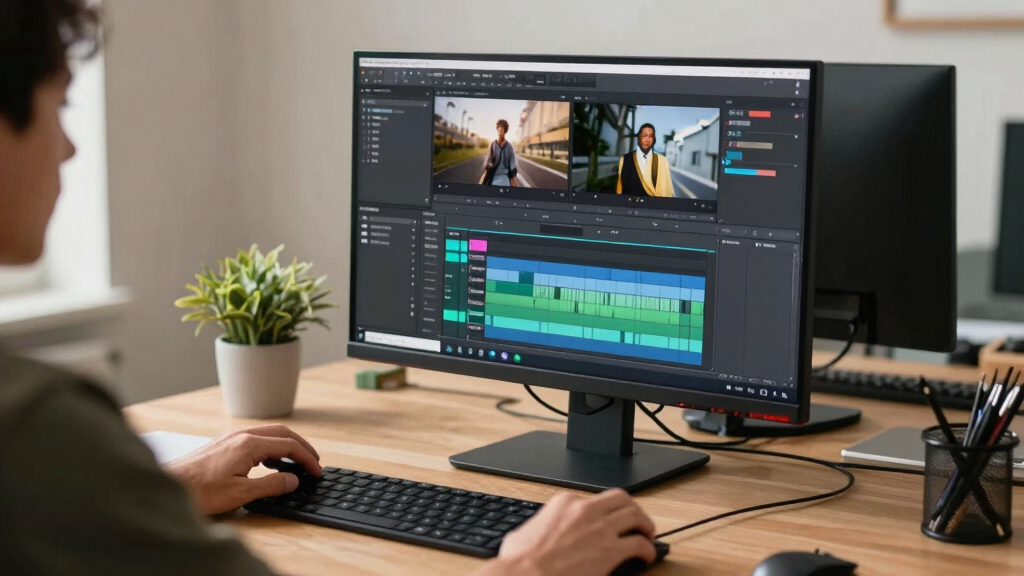
video clipping and thumbnail generator
As an affiliate, we earn on qualifying purchases.
As an affiliate, we earn on qualifying purchases.
How to Turn a Single Video Into a Publishing Kit in 4 Simple Steps
- Drop or link your video: Upload your MP4 or paste a YouTube link. The system detects your channel for better tagging.
- Let the AI analyze: It transcribes, describes visuals, aligns scenes, and identifies key moments—all on your machine.
- Review and edit assets: Preview titles, clips, descriptions, and social posts. Make quick edits or regenerate sections as needed.
- Dispatch your kit: Send everything to your platforms, export files, or prepare press materials—all locally stored and organized.
This process isn’t just about automation; it’s about intelligent curation. Discover more about innovative video workflows at Cyber Media Creations. Each step allows you to refine the output, ensuring the assets are tailored to your message and audience. The tradeoff is that initial setup might require more input from you, but the benefit is a highly customized, privacy-preserving output that aligns perfectly with your goals.

As an affiliate, we earn on qualifying purchases.
Compare Cloud vs. Local Workflows: Which Fits Your Needs?
| Feature | Cloud-Based Tools | Local Workflow (e.g., ChannelHelm) |
|---|---|---|
| Processing Location | Remote servers | |
| Privacy | Dependent on third-party servers | |
| Speed | Depends on internet speed | |
| Asset Control | Assets stored in cloud | |
| Cost & Reliability | Subscription-based, dependent on uptime |
Choosing between these options involves understanding the tradeoffs. For a deeper dive into local AI tools, see artificialintelligencemax.com. Cloud tools offer quick setup and scalability but at the expense of privacy and control—your assets are stored externally, and you rely on internet connectivity. Local workflows, while potentially requiring more initial setup and processing power, give you full control over your data, reduce latency, and eliminate ongoing subscription costs. This means your assets remain private, and you can process as many videos as you want without worrying about platform limitations. The implication? For sensitive content or a desire for independence, local workflows are often the better choice, but they demand a more robust hardware setup and some technical familiarity.

As an affiliate, we earn on qualifying purchases.
What Assets Can You Expect from a Full Video Kit?
From one video, you get a treasure trove of assets:
- Multiple title options scored against character limits, ready to grab attention.
- A detailed description with chapters, hashtags, and keywords.
- Short clips for TikTok, Reels, Shorts—crafted from high-retention moments.
- Transcripts and on-screen text descriptions for captions and SEO.
- Thumbnails and cover images tailored to the video’s hook moments.
- Blog drafts, newsletter summaries, and social posts, all aligned with your brand voice.
For example, you could produce a promotional kit for a new course launch, including a teaser clip, blog post, and social snippets—all from one original video.
Understanding the range of assets matters because it directly impacts your content strategy. The more varied and tailored your assets are, the better your chances of engaging different audience segments. Additionally, having all these assets generated locally means you can iterate quickly, test different formats, and maintain full control over your branding without external constraints.

The Power of Provenance: Why Every Asset’s Origin Matters
Every generated asset records its source, prompt version, and processing details. This transparency means you can trace back each title, clip, or caption to the exact model and prompt used. For example, if a headline doesn’t convert well, you can see whether it was generated by your local model or a specific prompt tweak.
This transparency boosts trust because it provides a clear audit trail—knowing precisely how each asset was created allows you to identify what works and what doesn’t. For more insights on content provenance, visit avaoroi.com. It also facilitates iterative improvements; if a particular style or tone isn’t resonating, you can adjust your prompts or models accordingly. This level of control makes your workflow more accountable and adaptable, especially vital when building a professional or branded content library where consistency and traceability are key. The implication? It empowers you to refine your content systematically, ensuring quality and alignment with your brand identity over time.

Review, Edit, Approve—Your Workflow Just Got a Makeover
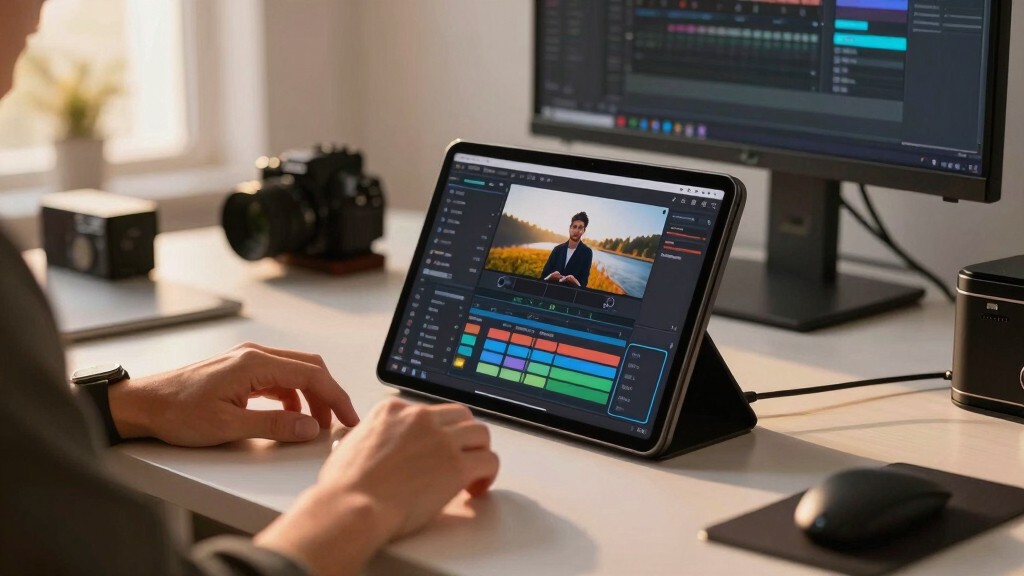
The review interface is designed for speed and clarity. You see a dashboard with progress indicators showing which assets are ready, in progress, or still processing. You can jump into individual clips, tweak titles, regenerate descriptions, or adjust thumbnails—all without waiting for the whole process to finish.
This rapid feedback loop allows you to catch issues early and refine assets in real-time. For example, if a generated thumbnail doesn’t match your branding or audience preferences, you can regenerate options instantly and select the best one. This flexibility reduces the risk of publishing subpar content and accelerates your overall workflow—especially valuable when deadlines are tight or multiple assets need simultaneous approval. The tradeoff is that you may spend additional time fine-tuning assets, but the benefit is a more polished, brand-consistent output that you control fully.

Why a Publishing Package Is Your Secret Weapon
A single source video transforms into a comprehensive kit—ready to deploy across all your channels. One package contains everything: titles, descriptions, clips, thumbnails, blog drafts, and social posts. All organized and ready to publish in minutes.
This holistic approach means you can synchronize your messaging across platforms, ensuring consistency and saving time. Instead of managing multiple disparate assets, you have a unified package that can be tailored quickly—adding new clips, updating descriptions, or adjusting visuals—without starting from scratch each time. The tradeoff is that initial setup might take a bit longer, but the payoff is a streamlined, scalable process that keeps your branding cohesive and your content pipeline efficient.
The Studio: Your Control Center for Content Launches
The review dashboard is your command post. It offers three layouts:
- Console: The daily driver with a platform rail and approval panel.
- Editor: Deep dive into individual assets, compare versions, and check provenance.
- Atlas: The overview canvas that tracks progress across all channels and platforms.
This setup means you can juggle multiple assets, spot bottlenecks, and approve content faster—without the waiting or confusion of cloud dependencies. It centralizes your control, reduces errors, and accelerates your publishing cycle, giving you a competitive edge in content management.
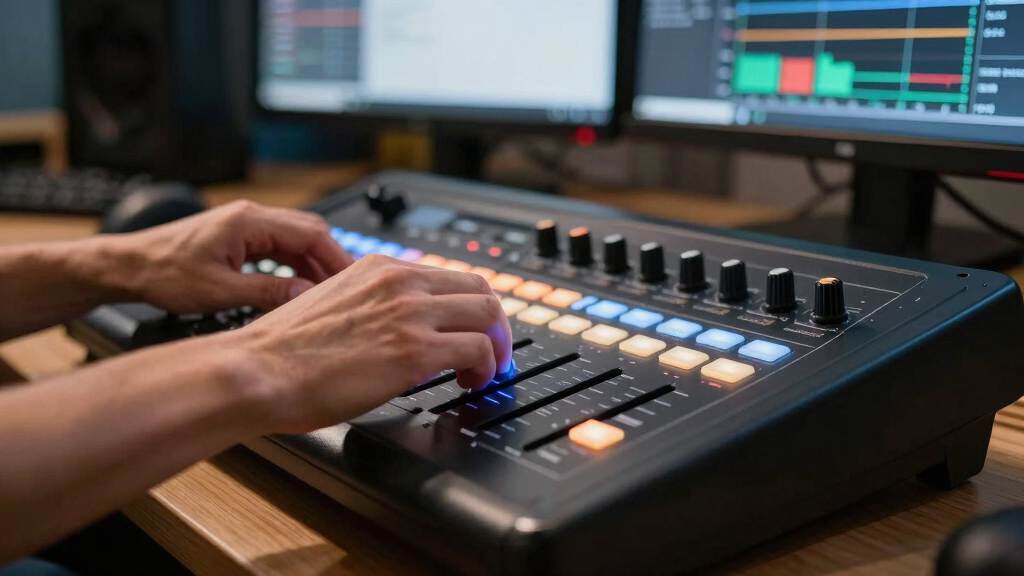
Control Every Step—No Black Boxes, No Surprises
Every output records its origin: model version, prompts, inputs. You can see exactly which AI generated each asset, down to the prompt details. For example, if a thumbnail doesn’t fit, you can trace it back to the prompt that created it and adjust accordingly.
This transparency isn’t just about accountability—it’s about empowering you to improve your workflow. Knowing the exact parameters used helps you identify which prompts or models produce the best results, enabling iterative refinement. This avoids the common frustration with cloud AI tools, where outputs can feel like black boxes. Instead, you gain insight, trust, and the ability to fine-tune your process, leading to higher quality and more consistent assets over time.
Frequently Asked Questions
What types of assets can I generate from a single video?
You can produce titles, descriptions, social clips, transcripts, thumbnails, blog drafts, and more—all from one source video. This makes launching or repurposing content faster and more cohesive.
Is processing truly offline, or does it involve cloud services?
Processing is designed to happen on your machine, keeping your media private and reducing reliance on third-party servers. Some tools might still use cloud components, but the core workflow described here is local.
What file formats are supported?
The system supports common video formats like MP4, MOV, and links from platforms like YouTube. Assets like images, transcripts, and descriptions are exported in standard formats for easy publishing.
Can I customize or edit the generated assets before publishing?
Absolutely. The review interface allows you to tweak titles, regenerate clips, adjust thumbnails, and refine descriptions—giving you full control before hitting publish.
What hardware do I need to run this locally?
A modern PC or Mac with a decent CPU and GPU handles the analysis smoothly. Exact specs depend on your video length and desired speed, but most mid-range machines work well.

Conclusion
Imagine a world where your video becomes a full marketing and publishing arsenal in minutes—without relying on cloud servers or losing control of your assets. That’s the promise of a local-first, AI-powered workflow. It’s faster, safer, and more transparent. Your content, your rules.
Fall Picks
fall essentials
As an affiliate, we earn on qualifying purchases.