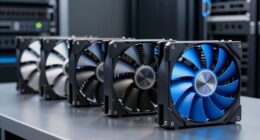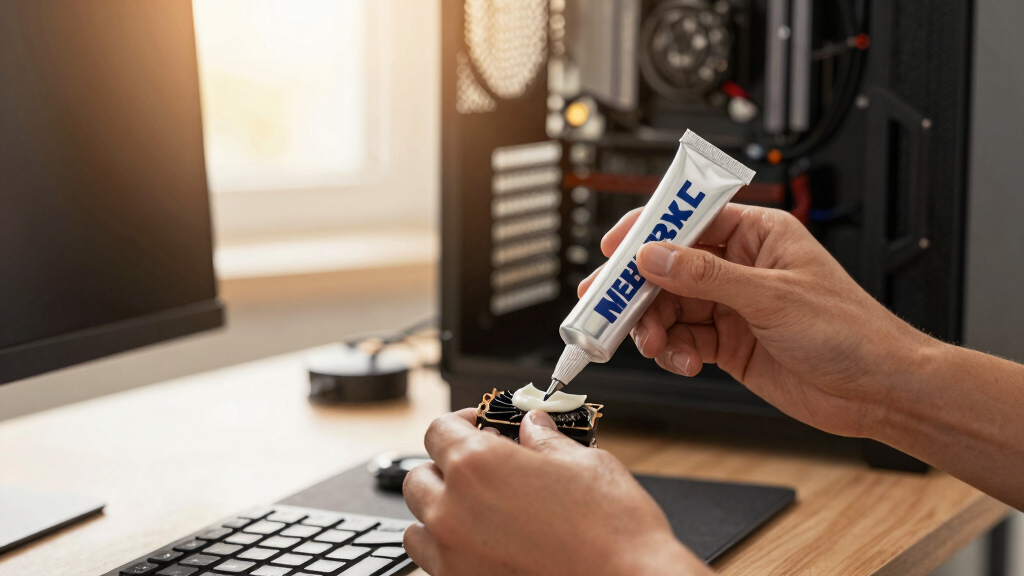

📊 Full opportunity report: Best Thermal Paste and Pads for High-TDP GPUs on ThorstenMeyerAI.com — validation score, market gap, and execution plan.

Get the latest gadgets delivered free — and shop member deals
- Fast, free delivery on millions of items
- Access to Prime Big Deal Days deals on October 6–7
- Prime Video, Amazon Music and more included
TL;DR
This article reviews the best thermal pastes and pads for high-TDP GPUs, focusing on long-term stability under continuous load. Honeywell PTM7950, Arctic MX-6, and Noctua NT-H2 are key options, with considerations for pump-out and application ease.
Honeywell PTM7950 phase-change material emerges as the top thermal interface choice for high-TDP GPUs running continuously, due to its resistance to pump-out and long-term stability, according to recent testing and enthusiast reports.
Traditional thermal pastes like Thermal Grizzly Kryonaut perform well initially but tend to dry out faster under sustained heat, leading to increased GPU temperatures over time. In contrast, phase-change materials such as Honeywell PTM7950 remain stable for years, making them ideal for 24/7 AI inference rigs. Arctic MX-6 offers an easy-to-apply, non-conductive alternative with a lifespan of 8–10 years, suitable for users seeking straightforward maintenance. Noctua NT-H2 provides a premium traditional paste that balances reliability and ease of use, trusted by enthusiasts for consistent performance. Additionally, Thermal Grizzly Kryosheet, a graphene-based reusable pad, offers a long-term solution but requires careful handling due to its electrical conductivity. These options reflect a shift from day-one temperature benchmarks to long-term stability considerations, critical for high-performance, continuous workloads.Best thermal paste
for a high-TDP GPU.
The standard “coldest on day one” advice is wrong for a 24/7 rig. Continuous heat slowly squeezes traditional paste out — a failure called pump-out — so the real question is what stays cold for years.
Long-Term Stability Critical for Continuous GPU Workloads
Choosing the right thermal interface material directly impacts GPU longevity and performance stability in high-demand environments like AI inference and scientific computing. Materials that resist pump-out and maintain low thermal resistance over years reduce maintenance, prevent overheating, and extend hardware lifespan. For insights into quiet GPU cooling options, see our detailed roundup. This shift in focus from initial cooling performance to sustained thermal management is vital for professionals relying on continuous GPU operation, ultimately saving costs and minimizing downtime.
As an affiliate, we earn on qualifying purchases.
Thermal Interface Material Choices for High-TDP GPUs
Most consumer GPU cooling guides prioritize short-term temperature drops, favoring pastes like Thermal Grizzly Kryonaut for gaming. You can learn more about quiet GPUs for local AI and their thermal solutions. However, these pastes often degrade under continuous high heat, a common scenario in AI and scientific workloads. Phase-change materials like Honeywell PTM7950, originally developed for industrial applications, are gaining recognition for their durability in such environments. The industry is increasingly aware that pump-out—where traditional pastes are expelled from between the die and heatsink—leads to thermal degradation over time, making long-term stable options more relevant for professional and continuous-use GPUs.
"For a dedicated inference GPU running 24/7, the key is long-term stability. Honeywell PTM7950 resists pump-out and maintains low thermal resistance over years, unlike typical pastes that dry out and lose effectiveness."
— Thorsten Meyer, tech reviewer
phase-change thermal interface material for GPU
As an affiliate, we earn on qualifying purchases.
As an affiliate, we earn on qualifying purchases.
Long-Term Performance Data for Phase-Change Materials
While initial tests and enthusiast reports support Honeywell PTM7950’s long-term stability, comprehensive, peer-reviewed long-term data under real-world high-TDP workloads remain limited. The durability of phase-change materials over several years of continuous operation is promising but not yet conclusively documented in independent studies.
As an affiliate, we earn on qualifying purchases.
Monitoring Long-Term GPU Temperatures and Material Performance
Expect ongoing testing and user reports to further validate the long-term stability of phase-change materials like PTM7950. For more on GPU cooling solutions, visit our thermal management guide. Manufacturers may introduce new formulations, and users should monitor GPU temperatures over months to confirm sustained performance. Reassessments of traditional pastes’ longevity in continuous workloads will likely influence future recommendations.
As an affiliate, we earn on qualifying purchases.
Key Questions
Is phase-change material suitable for all high-TDP GPUs?
Phase-change materials like Honeywell PTM7950 are ideal for high-TDP GPUs running continuously, but installation can be more involved than traditional pastes. Compatibility and application process should be considered.
Can I switch from traditional paste to phase-change material on my GPU?
Yes, but it requires careful removal of old paste, proper cleaning of the surfaces, and precise application of the sheet material. Follow manufacturer instructions for best results.
How often should I reapply thermal paste or pads in a high-load environment?
Traditional pastes typically need reapplication every 2–3 years under continuous high load, whereas phase-change materials can last much longer—often 5–10 years—without reapplication.
Are reusable thermal pads safe for GPU VRMs and memory modules?
Reusability depends on proper handling. Graphene pads like Kryosheet are effective but require precise placement and careful handling to avoid electrical shorts. They are generally safe if installed correctly.
Source: ThorstenMeyerAI.com
Fall Picks
fall essentials
As an affiliate, we earn on qualifying purchases.