
TL;DR

Get the latest gadgets delivered free with Prime
- Fast, free delivery on millions of items
- Prime Video, Amazon Music and more included
- Member-only deals all year
Thorsten Meyer AI has published a 2026 roundup focused on quiet GPUs for local AI workstations, ranking cards by VRAM tier and acoustic behavior rather than raw speed alone. The guide says VRAM remains the hard limit, while cooler design and power caps determine how loud a sustained inference rig becomes.
Thorsten Meyer AI has published a 2026 roundup of quiet GPUs for local AI workstations, arguing that buyers should choose by VRAM tier first and then control heat and noise through cooler design and power limits, a practical concern for users running models beside them for hours.
The guide says the GPU is usually the main heat and noise source in a local AI rig, producing about 70% or more of total heat under inference. It frames the buying decision around sustained use rather than short benchmark runs, warning that a fast card can still be a poor fit if its cooler becomes too loud in a home office or studio.
The roundup groups cards by VRAM. It lists 16GB cards such as the RTX 5080 or 4060 Ti as a cooler, quieter path for 7B to 34B models; 24GB cards such as the RTX 4090 or used RTX 3090 as an enthusiast baseline; 32GB cards such as the RTX 5090 as a stronger fit for 70B models at Q4 quantization without offloading; and 96GB professional cards such as the RTX PRO 6000 for very large local models.
Thorsten Meyer AI says power settings can change the acoustic profile of any card. The guide recommends power-capping GPUs to 70% to 80%, saying inference workloads are often memory-bound and may lose little speed while shedding substantial heat. It also distinguishes single-GPU and multi-GPU builds: large triple-fan open-air coolers are recommended for one-card systems, while blower-style designs may be better in dense multi-GPU layouts where open-air cards can feed hot exhaust into each other.
Why It Matters
The report matters because local AI users are increasingly building machines meant to run large language models, image models and coding assistants for long sessions outside data centers. In that setting, noise, thermal throttling and room heat can matter as much as peak tokens per second.
The guide also shifts attention from the GPU chip alone to the full board design. A buyer choosing between partner cards with the same GPU may see different fan speeds, idle behavior, heatsink mass and sustained temperatures. That makes cooler selection a cost and comfort decision, not just a spec-sheet detail.
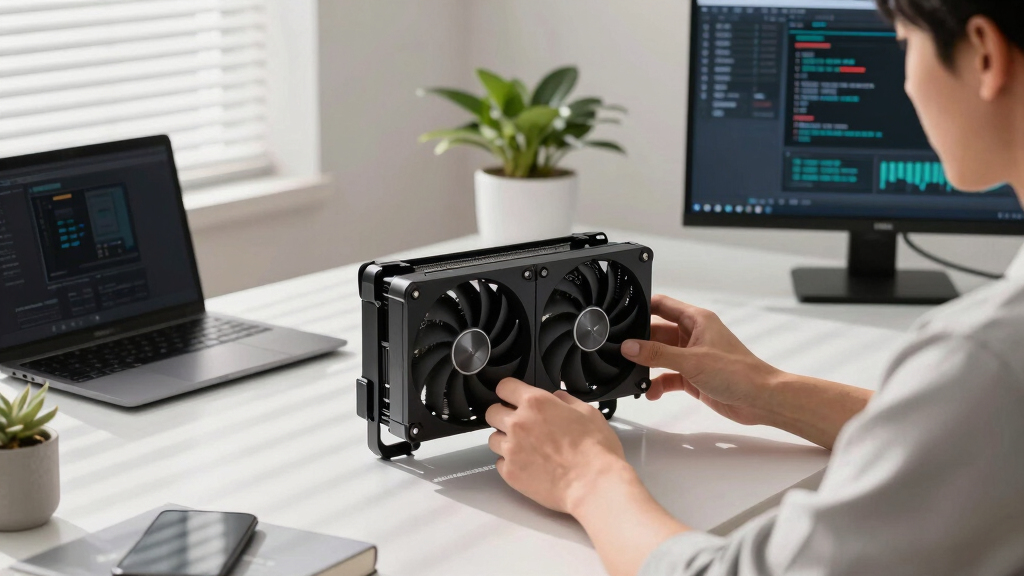
quiet GPU for local AI workstation
As an affiliate, we earn on qualifying purchases.
As an affiliate, we earn on qualifying purchases.
Background
Local AI guides often rank GPUs by model support, VRAM capacity, memory bandwidth or benchmark speed. Thorsten Meyer AI’s roundup builds on that framework but narrows the question to what happens when a workstation runs inference under sustained load near the user.
The guide says VRAM remains the first constraint. If a model does not fit in GPU memory, performance can drop sharply because the system must offload work to slower memory. The source says quantization formats, including GGUF Q4_K_M, AWQ and Blackwell FP4, can reduce memory use by 50% to 75% with some quality tradeoff, extending what each VRAM tier can run.
The source attributes its broad 2026 specification picture to local LLM GPU guides and independent reviewers, while warning that acoustics vary by partner card, cooler design and power settings. Prices and availability are also described as changeable, and the source includes an affiliate disclosure.
“VRAM is the hard limit.”
— Thorsten Meyer AI
“The chip doesn’t decide how loud your card is.”
— Thorsten Meyer AI
“Power-cap it first.”
— Thorsten Meyer AI
“For multi-GPU, the calculus flips.”
— Thorsten Meyer AI
As an affiliate, we earn on qualifying purchases.
What Remains Unclear
Several details remain dependent on real-world testing. The source says acoustics vary by partner card, cooler design and power settings, so the same GPU model may not behave the same across brands. It is also unclear how prices, availability and exact VRAM configurations will compare at the time a buyer makes a purchase.
The guide’s model-fit estimates also depend on quantization level, context length, software stack and workload. A card described as suitable for a given model tier may perform differently if the user runs longer contexts, larger batches, image workloads or mixed tasks at the same time.
As an affiliate, we earn on qualifying purchases.
What’s Next
Readers comparing GPUs for local AI should first pick the VRAM tier that fits the largest model they plan to run, then compare partner-card cooler designs, case airflow and power-limit behavior. The next practical step is testing sustained inference noise and temperature after setting a power cap, rather than relying only on peak benchmark numbers.
As an affiliate, we earn on qualifying purchases.
Key Questions
What is the main finding of the roundup?
The guide says local AI buyers should choose VRAM capacity first, then tune for quiet operation through power limits and cooler design.
Which VRAM tier does the source recommend for 70B models?
The source says 32GB cards can run 70B models at Q4 quantization without offloading, while 24GB cards may require more aggressive quantization.
Why does power-capping help?
The guide says inference is often memory-bound, so cutting GPU power to 70% to 80% can reduce heat and fan noise with little speed loss in many workloads.
Are open-air coolers always quieter?
No. The source says large open-air coolers are usually best for a single card with room to breathe, while blower-style cards can be better in tight multi-GPU systems.
What should buyers verify before purchasing?
Buyers should confirm current price, VRAM, partner-card cooler design, case clearance, power supply needs and return policy, since availability and acoustic behavior can vary.
Source: Thorsten Meyer AI
Halloween Picks
halloween
As an affiliate, we earn on qualifying purchases.