
TL;DR

Get the latest gadgets delivered free with Prime
- Fast, free delivery on millions of items
- Prime Video, Amazon Music and more included
- Member-only deals all year
Developers have launched a web interface that allows users to browse Wikipedia as if they are using a Windows XP desktop. The project aims to blend nostalgia with modern browsing, currently in testing.
A new web interface allows users to browse Wikipedia as if they are using a Windows XP desktop, offering a nostalgic experience that mimics the classic operating system environment. The project, still in testing, aims to blend retro aesthetics with modern content access.
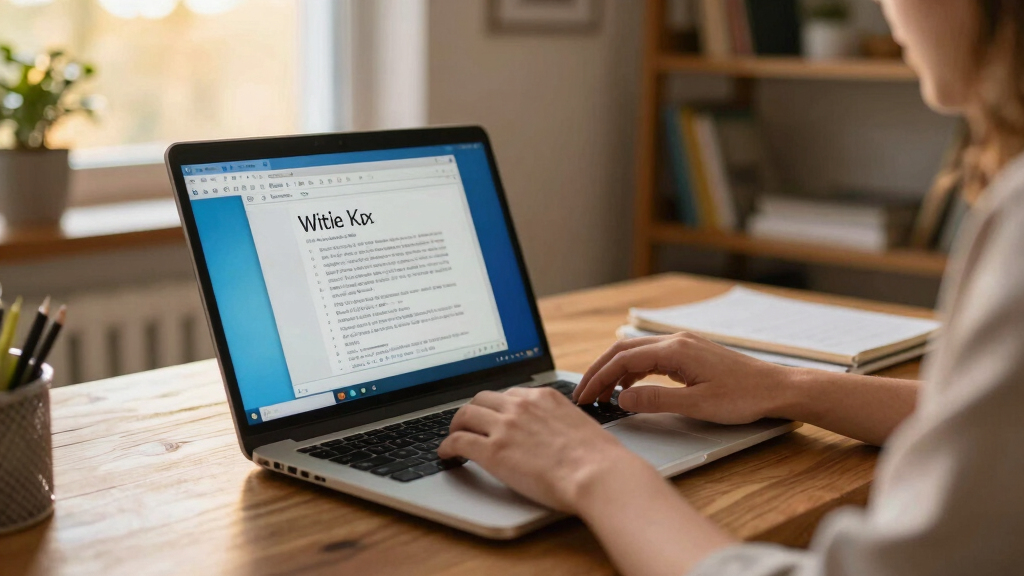
The project was launched by developer Sam Smith, who created a browser-based interface that overlays Wikipedia’s content within a Windows XP-style desktop environment. The interface features familiar XP elements such as the classic taskbar, start menu, and desktop icons, all styled to resemble the early 2000s Microsoft operating system. The design is accessible via a dedicated website, which has been available for testing since late October 2023.
According to Smith, the goal is to provide a nostalgic browsing experience that appeals to users familiar with Windows XP, while still offering full access to Wikipedia’s content. The interface is built using web technologies including HTML, CSS, and JavaScript, and runs entirely within a browser without requiring downloads or installations. The project is described as a proof of concept, with plans for further refinement based on user feedback.
Why It Matters
This development is notable because it combines retro computing aesthetics with modern information access, appealing to both nostalgia enthusiasts and those interested in innovative web design. It also highlights how user interface design can be playful and engaging, potentially influencing future web projects. For Wikipedia users, it offers a novel way to explore content, and for developers, it demonstrates creative ways to reimagine familiar digital environments.
Windows XP vintage desktop keyboard
As an affiliate, we earn on qualifying purchases.
As an affiliate, we earn on qualifying purchases.
Background
Windows XP was released in 2001 and remained widely used well into the 2010s, becoming a cultural icon. In recent years, there has been a resurgence of nostalgia for XP’s interface, especially among tech communities and retro computing fans. Several projects have attempted to emulate XP’s look, but few have integrated such a faithful desktop environment within a web browser for a content platform like Wikipedia. This project builds on the trend of creating playful, nostalgic web interfaces, and comes amid broader interest in vintage tech aesthetics.
“This project is about blending nostalgia with modern web browsing — giving users a chance to experience Wikipedia as if they are using a Windows XP desktop.”
— Sam Smith, developer
“It’s a fun way to revisit XP’s interface while accessing Wikipedia content. The interface is surprisingly functional and well-designed.”
— Tech enthusiast on GitHub
As an affiliate, we earn on qualifying purchases.
What Remains Unclear
It is not yet clear how widely the interface will be adopted or whether it will be officially supported or integrated into Wikipedia’s main platform. The project remains in a testing phase, and its long-term stability, accessibility, and user experience are still being evaluated.
nostalgic Windows XP themed computer accessories
As an affiliate, we earn on qualifying purchases.
As an affiliate, we earn on qualifying purchases.
What’s Next
Developers plan to gather user feedback over the coming months, refine the interface, and potentially expand its features. There may also be discussions about integrating similar nostalgic themes into other web platforms or content sites. Further updates are expected as the project evolves.
As an affiliate, we earn on qualifying purchases.
Key Questions
Is this interface officially part of Wikipedia?
No, it is a third-party project created by an independent developer and not officially affiliated with Wikipedia.
Can I use this interface on any device?
Yes, since it runs entirely in a web browser, it is accessible on desktops, laptops, and tablets with internet access.
Will this project replace the regular Wikipedia website?
No, it is a separate, experimental interface designed for nostalgic browsing and testing purposes.
Are there plans to add more features or customize the interface?
Future updates may include additional customization options, but details are still being discussed by the developer.
Halloween Picks
halloween
As an affiliate, we earn on qualifying purchases.