
TL;DR

Get the latest gadgets delivered free with Prime
- Fast, free delivery on millions of items
- Prime Video, Amazon Music and more included
- Member-only deals all year
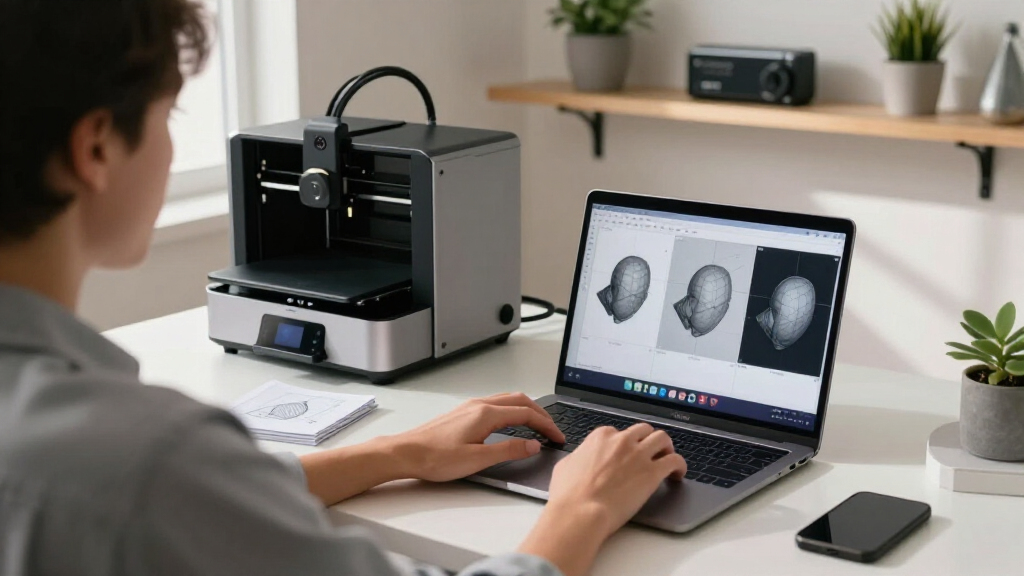
Meshdiff has introduced a new web-based tool enabling users to compare two STL files visually within the browser, all processed client-side. This development simplifies version control and review for 3D model workflows, especially in collaborative or remote environments.
Meshdiff has launched a browser-based tool that allows users to visually compare two STL files directly within their web browsers. This new feature operates entirely on the client side, eliminating the need for software installation and enabling quick, accessible version comparisons for 3D model workflows. The development is aimed at streamlining review processes for designers, engineers, and manufacturers working with multiple STL versions.
The Meshdiff tool provides an interactive interface where users can upload two STL files and see their differences highlighted visually. According to the company, the comparison is rendered entirely in the browser using WebGL technology, ensuring data privacy and fast performance without server-side processing.
This approach allows for quick, real-time visualization of model variations, which is particularly useful in collaborative environments or remote work settings. Meshdiff emphasizes that the tool is designed for ease of use, requiring no prior installation or complex setup, making it accessible to users with minimal technical background.
Meshdiff’s developers claim that this client-side comparison method offers advantages over traditional desktop software, including improved data security and convenience, as all processing occurs locally on the user’s device. The tool is currently available for free, with plans for future features based on user feedback.
Impact on 3D Model Version Control and Collaboration
This development matters because it addresses a common challenge in 3D design workflows: efficiently comparing different STL versions without relying on bulky software or risking data exposure through cloud uploads. By enabling visual comparison directly in the browser, Meshdiff enhances collaboration, speeds up review cycles, and reduces technical barriers for users involved in iterative design processes.
Additionally, as more industries adopt digital manufacturing and additive processes, tools like Meshdiff could become essential for quality control, version management, and remote collaboration, especially in distributed teams or client-facing scenarios.
Products Worth Considering

Apple MacBook Air 13-inch Laptop with M5 Chip, 16GB Memory, 512GB SSD, 12MP Center Stage Camera, Touch ID, Wi-Fi 7, Midnight

Bose SoundLink Flex Bluetooth Speaker (2nd Gen), Black

Sonos Era 100 SL Compact Microphone-Free Speaker, White
As an affiliate, we earn on qualifying purchases.
Growing Need for Accessible, Secure 3D Model Comparison Tools
Traditionally, comparing STL files required dedicated desktop software, which could be complex and inaccessible for some users. Existing solutions often involve uploading files to cloud platforms, raising data security concerns. In recent years, web-based 3D visualization tools have gained popularity, but few offer client-side comparison capabilities.
Meshdiff’s release aligns with broader trends toward browser-based design tools that prioritize data privacy and ease of access. The company’s emphasis on a purely client-side approach reflects ongoing industry interest in secure, lightweight solutions for 3D model management.
This move also responds to increasing demand from small-to-medium enterprises and individual designers seeking affordable, straightforward tools for version control and model review.
Limitations and Future Development Plans for Meshdiff
It is not yet clear how Meshdiff’s comparison accuracy compares with traditional desktop tools or how it handles complex or large STL files. Details about upcoming features or integration options remain undisclosed, and user feedback is still being gathered to prioritize future updates.Next Steps for Meshdiff and User Adoption
Meshdiff plans to gather user feedback to refine the tool and potentially introduce features such as detailed difference reports, multi-file comparisons, and integration with existing CAD workflows. The company may also explore scalability options for larger models and more complex comparisons. Monitoring user adoption and performance will determine the tool’s broader industry impact.
Key Questions
Is Meshdiff free to use?
Yes, the current version of Meshdiff is available for free, with no registration required.
Does the tool require any software installation?
No, all processing occurs within the web browser, and no additional software is needed.
Can Meshdiff compare large or complex STL files?
It is not yet confirmed how well the tool handles very large or complex models, as performance may vary depending on device capabilities.
Will Meshdiff support other file formats in the future?
Currently, the focus is on STL files, but future updates may include additional formats based on user demand.
Source: hn